Enabling Separate Voting for Together Mode, Richer Improvement Context, and Better Results Visibility
By Team Lean Agile Intelligence
This release introduces several enhancements focused on making assessments more flexible, Improvement Actions more actionable, and Results easier to interpret.
From allowing participants to complete Together Mode assessments separately, to providing additional context around impediments and surfacing Improvement Action data throughout Results, these updates help organizations collect more complete data and make better-informed decisions.
We've also included several usability improvements and design updates to create a smoother experience throughout the platform.
✨ Enable Separate Voting for Together Mode
One size doesn't fit every organization. Teams have different schedules, facilitators have different coaching styles, and not everyone can always attend a live Together Mode assessment.
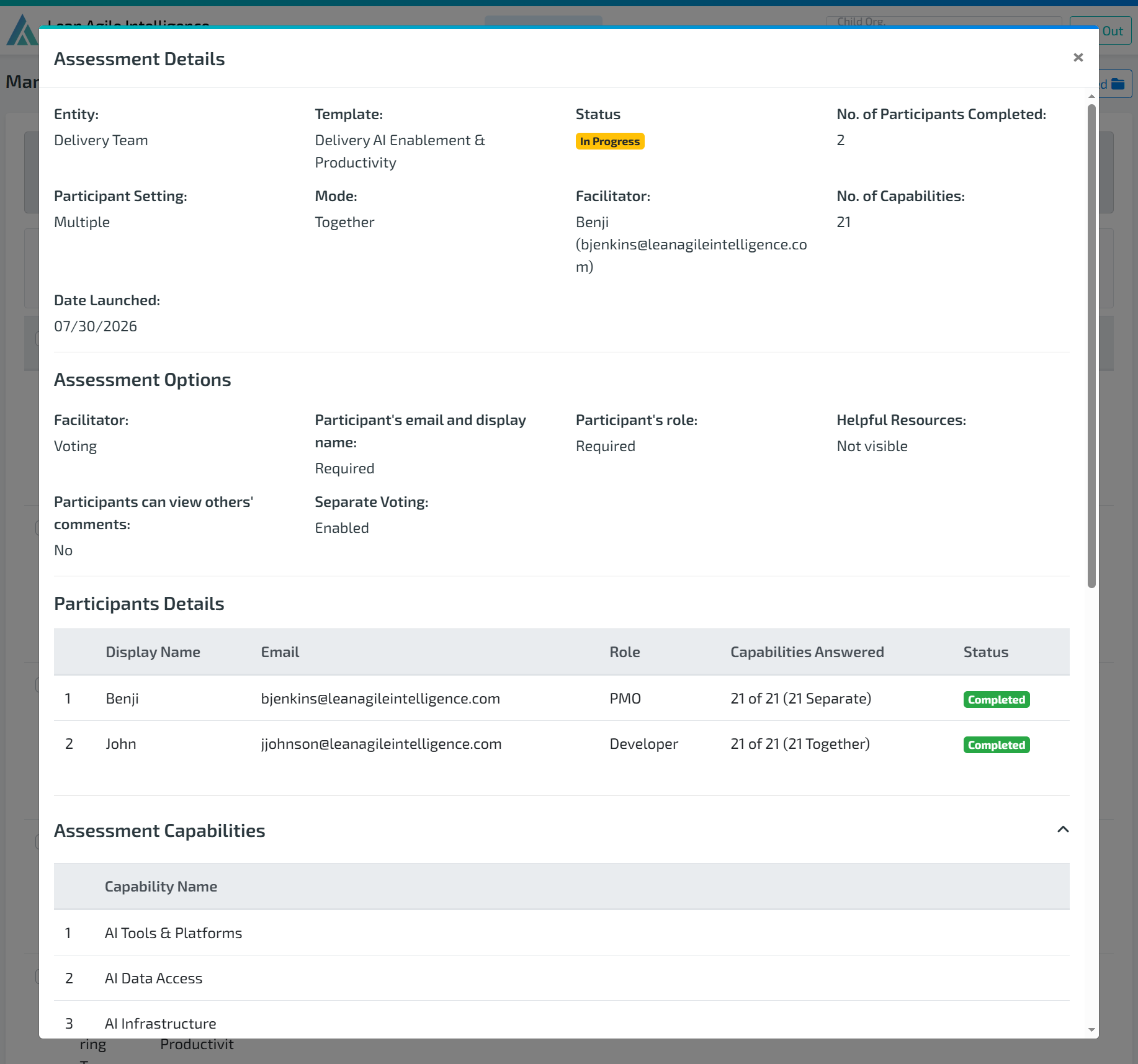
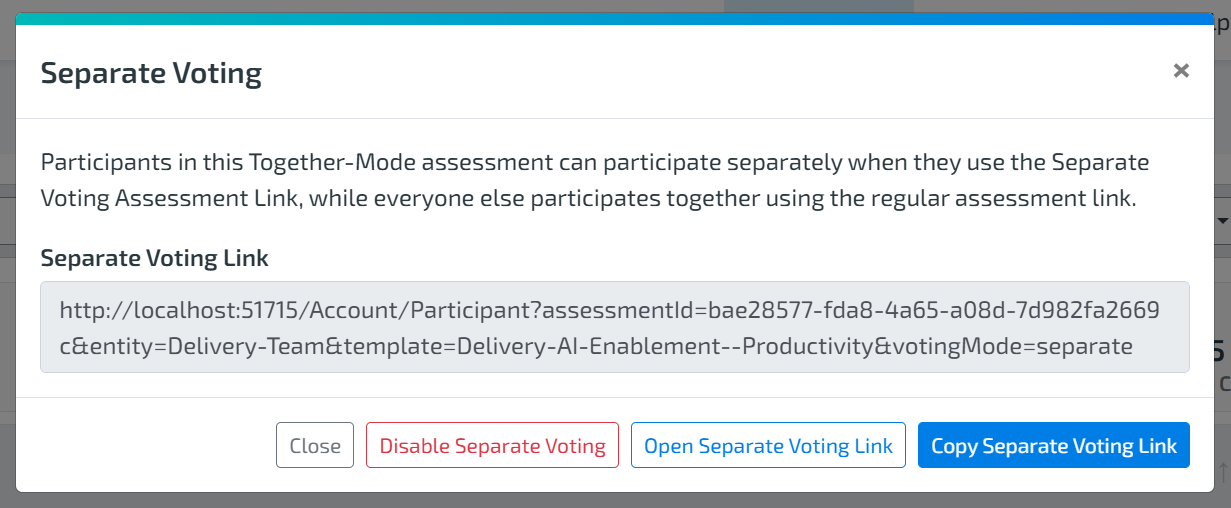
With Separate Voting for Together Mode, organizations now have the flexibility to allow selected participants to complete the assessment independently while still contributing to the final Results.
This feature is ideal for:
- Participants who are unavailable due to vacation, illness, scheduling conflicts, or emergencies.
- Facilitators or coaches who prefer to submit their votes independently to avoid influencing the team's discussion.
- Teams that need greater flexibility without launching multiple assessments.
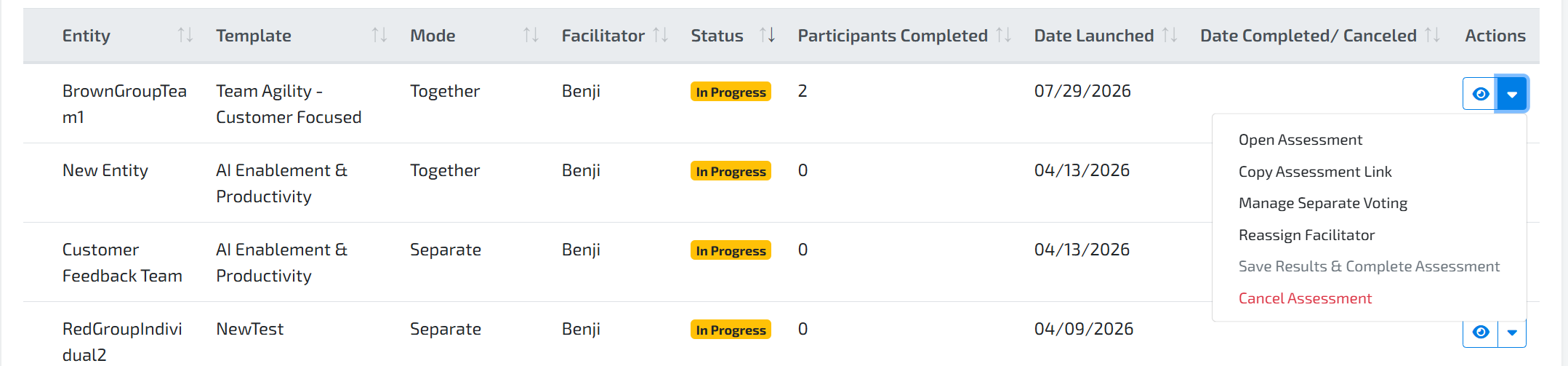
Once enabled, a Separate Voting link can be shared with selected participants. Their responses are automatically included alongside Together Mode responses when Results are calculated.
Learn more about Separate Voting for Together Mode here.
🚩 New Impediment Reason Field for Improvement Actions
Understanding that an impediment exists is only part of the story. Understanding why it exists provides much greater value when planning improvements.
Teams can now specify an Impediment Reason when creating an Improvement Action marked as an Impediment.
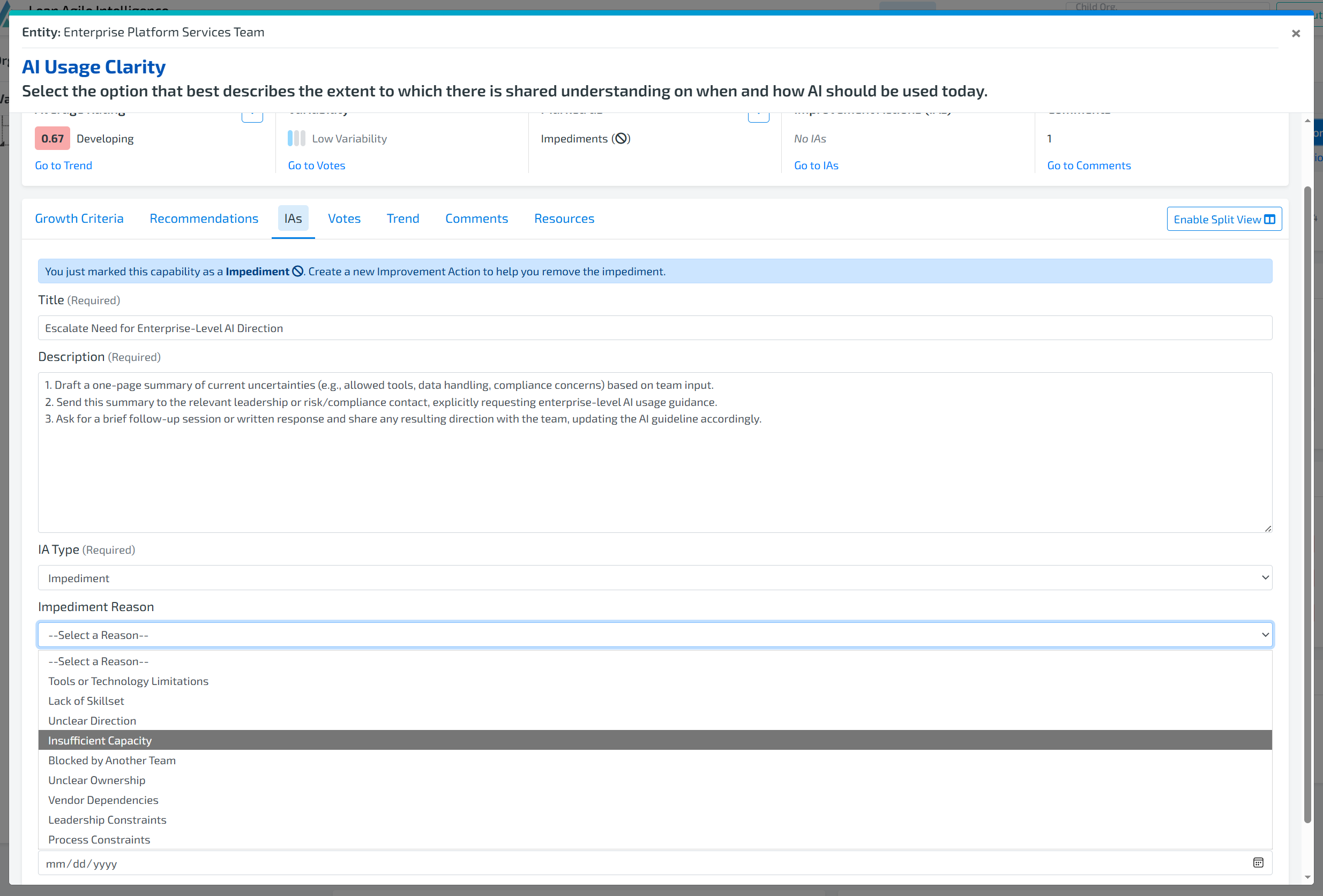
Providing additional context helps organizations:
- Better categorize organizational blockers.
- Identify recurring themes across teams.
- Improve reporting and trend analysis.
- Prioritize systemic issues more effectively.
This additional layer of context helps leaders move beyond simply tracking impediments to understanding the root causes affecting organizational performance.
📊 Improvement Action Counts Available Throughout Results
Improvement Actions tell an important part of the transformation story.
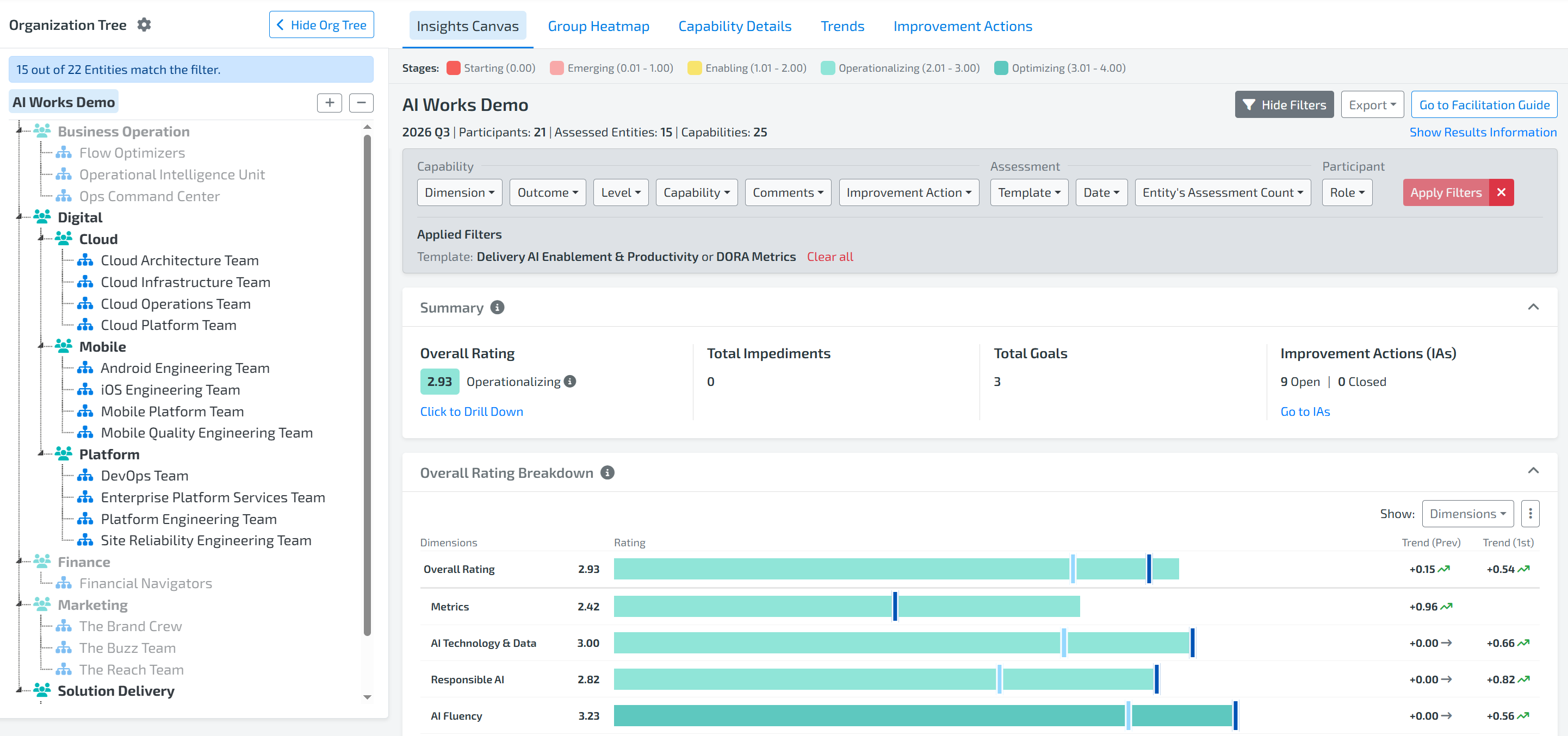
To make this information more visible, Improvement Action counts have been added to several Results experiences, including Drilldowns and the Group Heatmap.
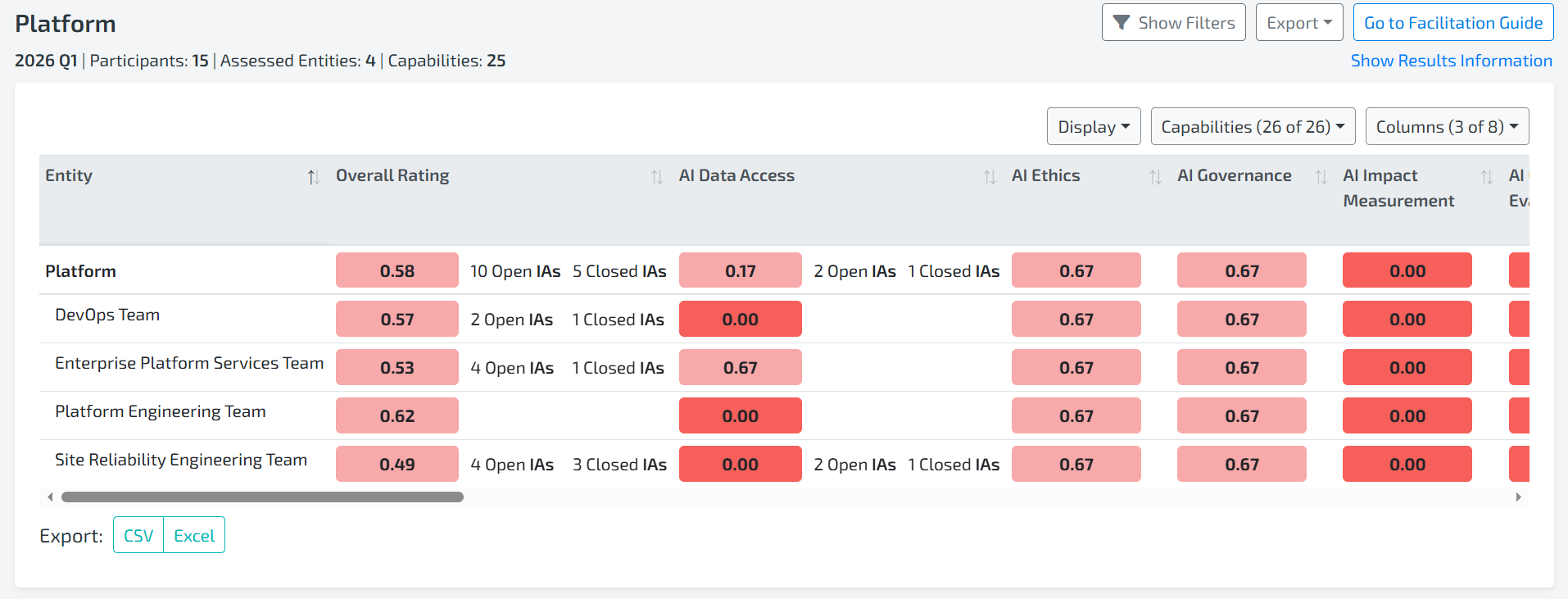
These enhancements make it easier to:
- Quickly identify areas with significant improvement activity.
- Connect assessment Results with ongoing improvement work.
- Understand where teams are actively investing their efforts.
- Make more informed, data-driven decisions.
By surfacing Improvement Action activity alongside assessment Results, organizations can better understand both current performance and where change is actively taking place.